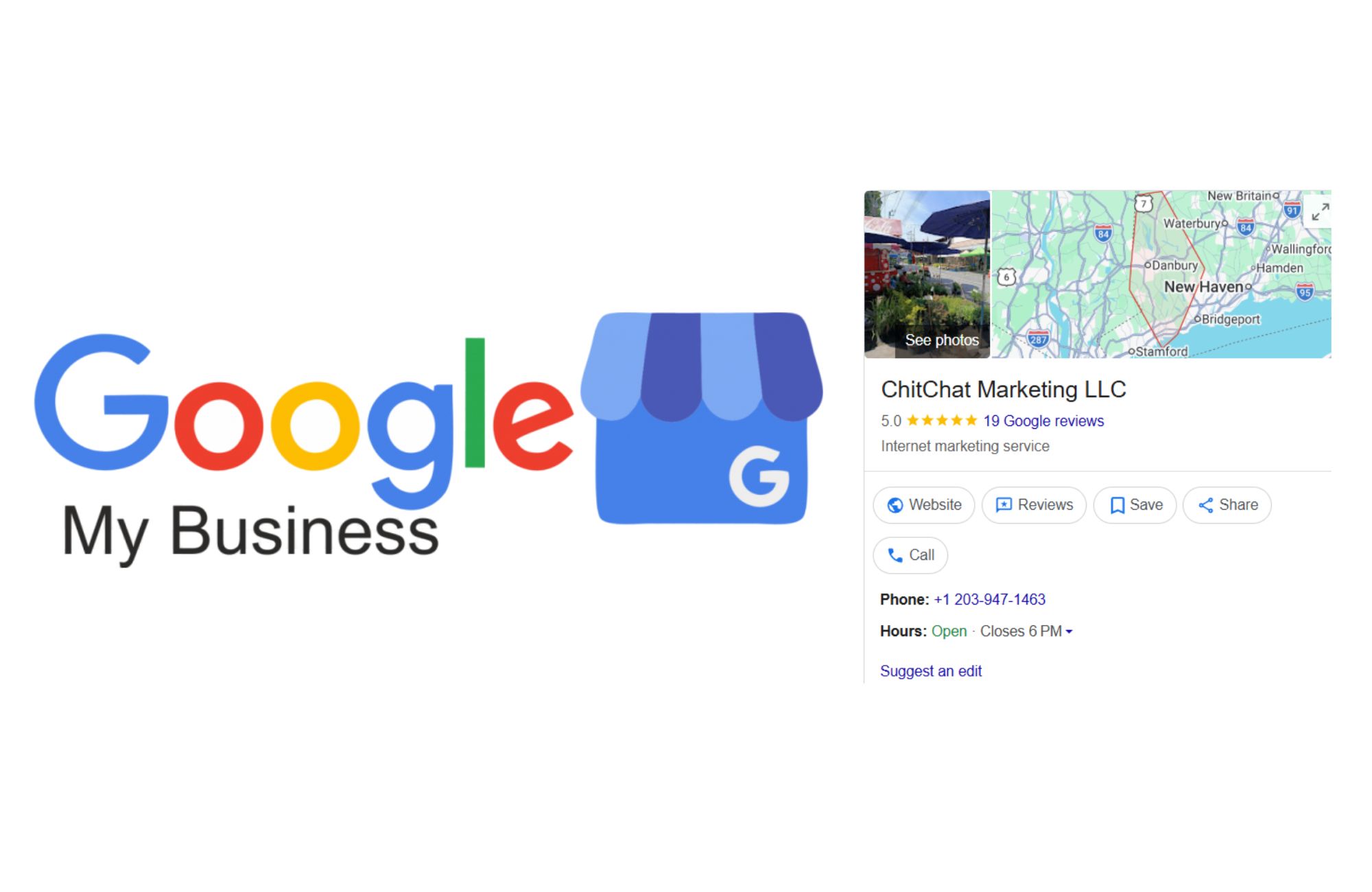
For many local business owners, showing up in Google search results has become more competitive than ever. When customers search for nearby services, Google Maps listings and the local pack often appear before traditional organic results. That makes your Google Business Profile a critical visibility tool, directly influencing whether potential customers find your business, contact you, or choose a competitor.
Applying the right Google My Business SEO tips helps local businesses appear in relevant searches, build trust, and convert visibility into phone calls and inquiries. An optimized profile gives customers quick access to your business hours, location, reviews, and services before they ever visit your website. When your business information stays accurate and aligned with a strong local SEO strategy, your listing becomes one of the most reliable ways to reach nearby customers actively searching for your services.
What Is Google My Business SEO?
Google My Business SEO is the process of optimizing your Google Business Profile so it performs better in Google Search and Google Maps results. This type of search engine optimization focuses on improving visibility for location-based searches and helping customers find the most relevant local businesses.
Your business profile acts as a live business listing connected to your business account. It provides Google with signals about your business name, physical address, phone number, business category, and services. When your profile is accurate and active, Google is more likely to display it for relevant searches and local search queries. Because Google Business Profile is a free tool, it has become one of the most powerful assets for small businesses looking to compete locally without relying solely on paid advertising.
Why Google Business Profile Matters for Local SEO
Google Business Profile is one of the strongest drivers of local SEO because it connects your business directly to customers searching nearby. When someone types a service into Google search, the algorithm prioritizes businesses it believes are legitimate, relevant, and trustworthy.
An optimized profile improves:
- Visibility in local search results
- Placement in the local pack
- Engagement from prospective customers
- Trust through accurate business details and reviews
For many local businesses, Google Business Profile traffic converts faster than organic website visitors. Users searching through Google Maps or local search results often have immediate intent, which means stronger chances of phone calls and bookings. When your profile is maintained properly and kept up to date, it becomes one of the most effective components of long-term local SEO efforts.
How Google Ranks Business Profiles in Local Search
Google uses three core factors to determine local search ranking: relevance, distance, and prominence. Together, these signals help the search engine decide which listings appear for specific search queries.
Relevance
Relevance measures how closely your business profile matches a user’s search. Google evaluates your business category, business description, services, and target keywords to understand what you offer. Choosing the correct primary category is especially important because it tells Google what type of business you are.
Distance
Distance refers to how close your business location is to the searcher. While proximity cannot be controlled, ensuring your physical address or service area business settings are accurate helps Google understand where you operate.
Prominence
Prominence reflects how established your business appears online. Reviews, mentions across online directories, engagement levels, and website authority all contribute to prominence. Businesses with consistent activity and strong reputations tend to rank higher over time.
Essential Google My Business SEO Tips
Strong Google My Business SEO tips focus on accuracy, relevance, and ongoing engagement. Businesses that actively manage their profiles often outperform competitors that treat their listings as one-time setups.
Claim and Verify Your Google Business Profile
Before optimization can begin, your Google My Business account must be verified. Google typically sends a verification code by mail, phone, or email to confirm your business is legitimate. Without verification, your profile cannot fully appear in search engine results or access advanced features.
Optimize Your Business Name, Address, and Phone Number
Your business name should match real-world signage exactly. Avoid adding keywords, as this can trigger penalties. Your business address and phone number must remain consistent across your business website, social profiles, and online directories to maintain trust signals.
Select the Right Primary and Secondary Categories
Your primary category has a significant impact on local ranking. Secondary categories help support additional services, but should only be added when relevant. Accurate categorization improves how Google connects your listing with relevant searches.
Write a Clear, Keyword-Focused Business Description
Your business description gives Google context about your services and location. Including relevant keywords naturally, without stuffing, improves clarity while helping customers quickly understand what you offer.
Keep Photos, Posts, and Updates Current
Profiles with frequent updates perform better in local search. Uploading authentic photos, publishing posts, and updating business hours signal that your business is active. These updates also improve engagement within your Google Maps listing.
Many businesses choose professional support at this stage to ensure ongoing consistency. When Google Business Profile optimization is combined with broader local SEO services, it often leads to stronger visibility and more reliable lead generation.
Reviews and Reputation Management
Reviews play a major role in local ranking and conversion behavior. Positive reviews increase trust and influence how customers choose between businesses appearing in the same local pack.
To strengthen performance:
- Encourage customers to leave feedback after service
- Respond to every review to demonstrate engagement
- Address negative feedback professionally
- Maintain a steady flow of new reviews
Review activity sends strong signals to Google about business legitimacy and relevance. Businesses that consistently generate positive reviews often see improvements in both ranking and conversion rates.
Using Google Business Profile Insights to Track Performance
Google Business Profile Insights helps business owners understand how customers find and interact with their listing. These metrics show whether visibility is translating into real engagement.
Key data includes:
- Direct searches and discovery searches
- Phone calls from the listing
- Direction requests
- Website clicks
- Profile views
Tracking this data reveals how many customers are engaging and which actions drive the strongest results. When insights show increased views but limited calls, it may indicate messaging or trust gaps.
Advanced tracking, such as using tagged links that connect your business profile to analytics, allows local businesses to measure how profile activity contributes to revenue. This type of reporting turns local SEO from guesswork into measurable performance.
How to Optimize Google Business Profile for Service Area Businesses
Service area businesses operate differently from storefront locations, and Google evaluates them using slightly different signals. A service area business is one that travels to customers instead of serving them at a physical location, such as contractors, home service providers, mobile professionals, and many ABA therapy organizations. When configured properly, these businesses can still rank well in local search results and Google Maps without displaying a public address.
Set Up Your Profile as a Service Area Business
The first step is configuring your Google Business Profile correctly. Service area businesses should hide their physical address if customers do not visit that location. Displaying an address that is not open to the public can create trust issues and may lead to profile suspensions or ranking limitations.
Instead, your profile should list the cities or communities you actively serve. This allows Google to understand where your business operates while maintaining compliance with profile guidelines.
Choose Service Areas Strategically
Selecting the right service areas is critical for local visibility. Google recommends focusing only on locations where you regularly provide services rather than selecting large regions or entire states. Overextending service areas can dilute relevance and reduce your ability to appear in nearby searches.
For example, businesses serving Hartford, New Haven, or surrounding towns should prioritize those areas rather than listing all of Connecticut. Smaller, accurate coverage areas tend to perform better in local search.
Optimize Categories and Services for Relevance
Your primary category plays a major role in how Google matches your business with search queries. Choosing the most accurate primary category helps your profile appear in relevant searches, while secondary categories support additional services.
Service descriptions should clearly explain what you offer and who you serve. Profiles with vague or incomplete services often struggle to appear in discovery searches, even when located close to the user.
Keep Business Information Consistent Everywhere
Consistency across platforms strengthens trust signals. Your business name, phone number, and service details should match across your Google Business Profile, business website, and online directories. Inconsistent information can confuse search engines and weaken local ranking signals over time, especially for service area businesses that rely heavily on location-based relevance.
Maintain Activity to Support Ongoing Visibility
Service area businesses still benefit from regular engagement. Posting updates, responding to reviews, uploading photos, and keeping business hours current signal activity to Google. When combined with strong local SEO efforts, these actions help service-based businesses remain visible and competitive as search behavior and algorithms evolve.
Common Google Business Profile Mistakes to Avoid
Many businesses struggle with local ranking due to avoidable errors that weaken trust signals.
Common issues include:
- Inaccurate business information
- Outdated business hours
- Duplicate or multiple listings for the same business
- Incorrect categories
- Ignoring reviews and questions
Keeping your business listing accurate and consistent helps protect visibility and prevents ranking drops or suspensions.
When to Consider Professional Local SEO Support
Managing a Google Business Profile effectively requires consistent monitoring, testing, and refinement. Many business owners do not have time to track performance metrics, respond to reviews daily, and adjust optimization strategies.
Working with a local SEO partner, like Chitchat Marketing, provides structure and clarity. A professional approach ensures your profile supports long-term growth, aligns with your business site, and integrates with Google Ads or other marketing efforts when needed. Businesses that pair profile optimization with strategic local SEO typically see stronger local search ranking and more predictable lead flow.
How Chitchat Marketing Helps You Get More From Your Google Business Profile
Google Business Profile has become one of the most effective tools for local businesses competing in search. When optimized correctly, it improves visibility in Google Search and Google Maps, strengthens trust through reviews, and helps turn local searches into real phone calls and inquiries. Consistent optimization ensures your profile supports your overall local SEO strategy instead of working in isolation.
If you want clearer insight into how your listing is performing and what changes can actually drive more leads, ChitChat Marketing helps businesses build data-driven local SEO strategies focused on measurable results. Contact us to start a conversation about your goals and learn how we can turn your Google Business Profile into a dependable source of long-term growth.
FAQs
How to supercharge Google My Business Profile?
Supercharging your profile involves keeping business details accurate, posting updates regularly, responding to reviews, and monitoring insights. Consistent activity improves engagement and helps your listing appear for more relevant local searches.
How to optimize your Google Business Profile to rank highly?
Start by selecting the correct primary category, writing a clear business description, and maintaining consistent business information. Adding photos, reviews, and updates strengthens prominence and improves local search visibility over time.
What’s the best method for getting my Google Biz page to the top of search?
There is no single shortcut. Ranking improves through relevance, proximity accuracy, and trust signals such as reviews and engagement. Ongoing optimization and monitoring deliver the most sustainable results.
Does Google Business Profile help SEO?
Yes. Google Business Profile strongly supports local SEO by improving visibility in Google Maps and local search results. It often drives higher-intent traffic than traditional organic listings.


Leave a comment