
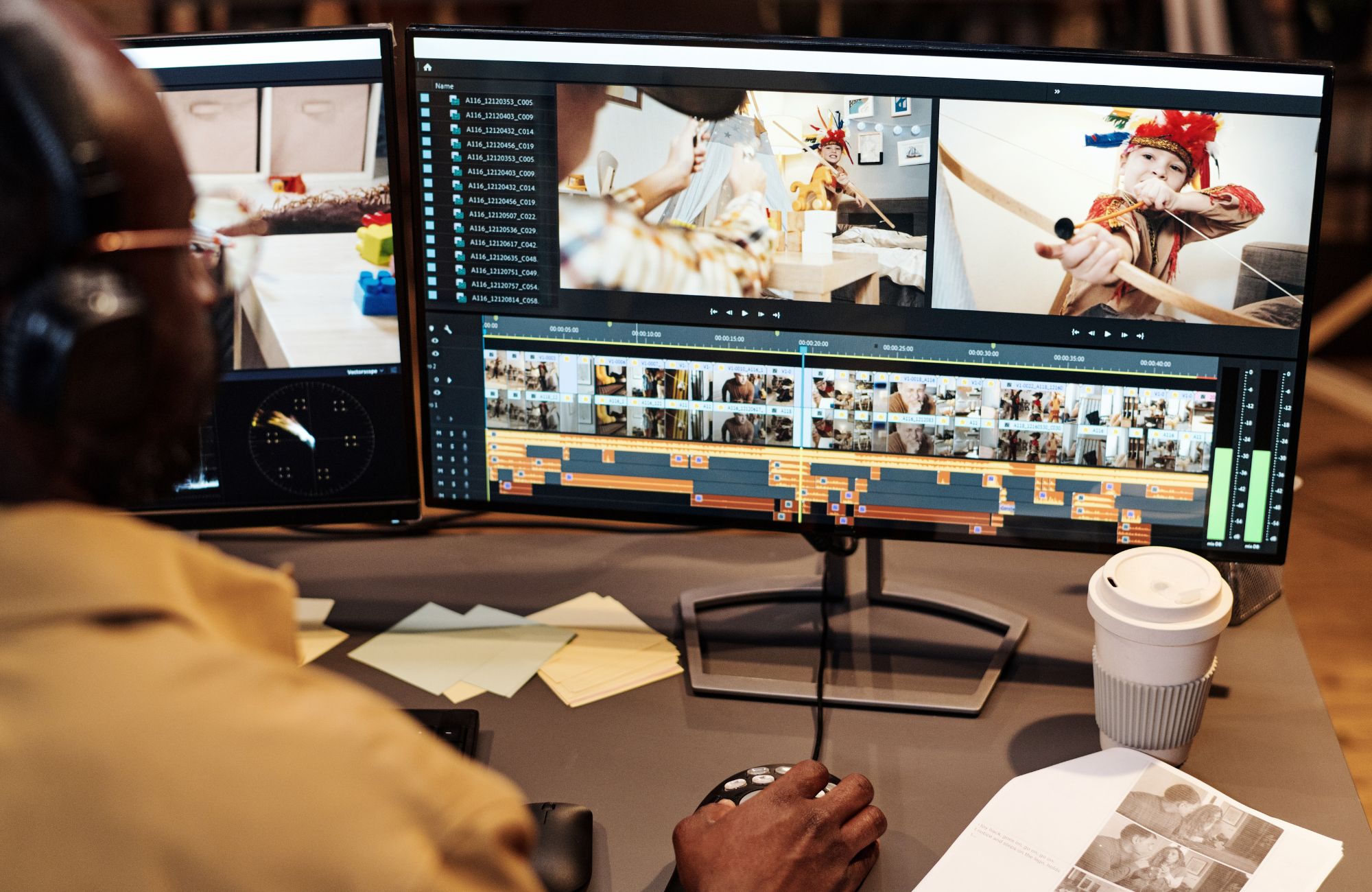
Creating video content is no longer optional. Whether you’re running Google Ads, posting on social media, or improving your website, video plays a major role in how customers engage with your business. The challenge most businesses face is not just creating videos, but creating videos that actually convert.
The best video editing software for marketing helps you move faster, stay consistent, and produce content that fits each platform. For small businesses in Connecticut and across the country, this often means balancing ease of use with powerful editing features. Tools alone won’t guarantee results, but the right setup can dramatically improve your workflow and campaign performance.
If you’re already investing in ads or planning to scale your marketing, choosing the right tools is only part of the equation. Many businesses pair video creation with a structured campaign strategy, especially when working with services like Google Ads management, to turn content into measurable leads.
What Is the Best Video Editing Software for Marketing?
The best video editing software for marketing is a tool that helps you create, edit, and optimize videos quickly while supporting real marketing goals like conversions, engagement, and brand consistency. It should simplify your workflow without sacrificing quality.
Unlike traditional editing software built for filmmakers or YouTube creators, marketing-focused tools prioritize speed and usability. You need to produce multiple variations, test creatives, and adapt content for different platforms. That’s where the right editing software becomes essential.
A strong video editor for marketing should support:
- Quick edits and fast turnaround
- Templates for ads and social media videos
- Multi-platform resizing for TikTok, YouTube, and paid ads
- Easy captioning and text overlays
- Simple editing workflow for teams or solo users
The goal is not perfection, it’s consistency and performance.
What to Look for in Video Editing Software for Marketing
Choosing video editing software can feel overwhelming because there are so many options available. The key is to focus on what actually matters for marketing performance, not just technical capabilities.
Most marketers don’t need a full production studio. They need tools that help them create compelling videos quickly, test different versions, and maintain brand consistency across campaigns.
Core Features That Matter for Marketers
When evaluating video editing tools, focus on features that directly support your marketing goals:
- Drag-and-drop editing for fast content creation
- Customizable templates for ads and social media
- Built-in stock video and stock footage libraries
- Easy captioning and text-based editing
- Multi-format export for different social media platforms
- AI features for automation (auto captions, smart cuts)
These features allow you to produce high-quality video content without a steep learning curve.
Performance and Workflow Considerations
Beyond features, your editing workflow matters just as much. A tool might be powerful, but if it slows you down, it affects your results. Focus on speed of editing and rendering, ease of use versus advanced functionality, collaboration features for teams, cloud storage and accessibility, and overall cost versus long-term value.
If you’re unsure which features actually impact performance, it helps to step back and look at your campaigns as a whole. Many businesses find that combining the right tools with a structured marketing strategy leads to better results and less wasted effort.
Best Video Editing Software for Marketing (By Use Case)
The best video editing software depends on how you plan to use it. Instead of looking for one perfect tool, it’s more effective to match software to your marketing needs.
Below are the top video editing tools based on real-world marketing use cases.
Best for Beginners: Canva Video Editor
Canva is one of the most accessible video editing apps for marketers who want to create content quickly without technical skills. Its intuitive interface and drag-and-drop design make it ideal for small businesses.
Key features:
- Free templates for social media videos
- Built-in stock video and audio editing tools
- Simple interface for quick edits
- Brand kit integration
Pros:
- Very easy to use
- Fast content creation
- Great for social channels
Limitations:
- Limited advanced editing features
- Not ideal for professional-grade video editing
Best for Social Media Marketing: CapCut
CapCut is built for short-form video content, making it one of the best video marketing tools for platforms like TikTok and Instagram.
Key features:
- Auto captions and text overlays
- AI-powered editing features
- Quick edits and transitions
- Social media optimization
Pros:
- Perfect for short-form content
- Strong AI tools
- Free plan available
Limitations:
- Limited long-form editing capabilities
- Not ideal for complex projects
Best for Professional Marketing Videos: Adobe Premiere Pro
Adobe Premiere Pro is a professional-grade video editor used by agencies and experienced marketers who need full control over their editing process.
Key features:
- Advanced editing tools
- Motion tracking and chroma key (green screen)
- High-quality audio editing
- Full suite integration with Adobe products
Pros:
- Extremely powerful tools
- Professional results
- Flexible editing workflow
Limitations:
- Steep learning curve
- Paid version required
Best Free Video Editing Software: DaVinci Resolve
DaVinci Resolve is widely considered one of the best free video editing software options available, offering advanced features at no cost.
Key features:
- Professional editing tools
- Color grading and motion tracking
- Audio editing suite
- Free version with powerful capabilities
Pros:
- High-end features for free
- Professional-grade output
Limitations:
- Complex interface
- Requires time to learn
Best for Fast Ad Creation: Adobe Express
Adobe Express is designed for marketers who need to create content quickly, especially for ads and promotions.
Key features:
- Ready-made templates
- Quick editing interface
- Easy resizing for platforms
- Built-in stock footage
Pros:
- Fast and efficient
- Great for marketing purposes
- Simple interface
Limitations:
- Limited advanced customization
Best for Teams and Collaboration: Descript
Descript offers a unique text-based editing approach that allows teams to edit videos like documents.
Key features:
- Text-based editing workflow
- Collaboration tools
- Audio editing and transcription
- Easy content repurposing
Pros:
- Great for teams
- Speeds up the editing process
- Ideal for content repurposing
Limitations: Not suited for advanced visual editing
Comparison Table: Best Video Editing Software for Marketing
Compare the top video editing tools for marketing based on features, ease of use, pricing, and performance.
| Software | Best For | Skill Level | Free Plan | Marketing Use Case |
| Canva | Beginners | Easy | Yes | Social media videos |
| CapCut | Short-form content | Easy | Yes | Reels, TikTok |
| Premiere Pro | Professionals | Advanced | No | Ads, campaigns |
| DaVinci Resolve | Free advanced editing | Advanced | Yes | High-quality video |
| Adobe Express | Fast ad creation | Easy | Yes | Paid ads |
| Descript | Teams | Moderate | Yes | Content repurposing |
How to Choose the Right Video Editing Software for Your Business
Choosing the right software comes down to understanding your goals, not just comparing features. A small business creating social media content has very different needs than an agency running multiple ad campaigns.
Step-by-Step Decision Framework
To simplify the process, follow these steps:
- Define your marketing goal (ads, social, branding)
- Identify your skill level
- Choose between speed and advanced customization
- Consider your budget
- Plan for long-term scalability
Common Mistakes to Avoid
Many businesses choose video editing tools based on popularity rather than practicality, which often leads to wasted time and inconsistent results. Instead of improving efficiency, these choices can slow down content production and make it harder to stay consistent with marketing efforts.
Common mistakes include choosing overly complex software, ignoring marketing-specific needs, focusing on features instead of workflow, and not aligning tools with campaign goals. The best tools should support your process and help you produce content efficiently.
How Video Editing Software Impacts Marketing Results
Video editing software plays a direct role in how your campaigns perform. It affects how quickly you can create content, test variations, and respond to trends.
Faster editing workflows allow you to:
- Produce more video clips
- Test different versions of ads
- Improve engagement on social media platforms
- Optimize video marketing strategy
Studies consistently show that video content increases engagement and conversion rates compared to static content. However, the key is consistency and iteration, not just quality.
Strong creativity is one of the biggest drivers of ad performance. Businesses that combine the right editing tools with structured campaigns often see better results, especially when aligning video content with paid advertising strategies.
Best Video Editing Software for Small Business Marketing
For small businesses, the priority when choosing video editing software should be simplicity, speed, and cost-effectiveness. You don’t need complex tools to produce effective marketing videos; what matters is being able to create content quickly and consistently without slowing down your workflow.
Instead, focus on tools with an easy editing interface, affordable pricing, fast turnaround, and built-in templates for marketing content. Platforms like Canva, CapCut, and Adobe Express are often a strong fit because they help you create engaging videos without a steep learning curve.
Common Mistakes When Choosing Video Editing Software
Many businesses overcomplicate the process when choosing video editing software, which often leads to frustration, wasted time, and unnecessary costs. Instead of simplifying their workflow, they end up selecting tools that don’t match their actual needs or skill level.
Common mistakes include choosing software that is too advanced, ignoring ease of use, focusing on features instead of results, and not considering how video fits into the overall marketing strategy. The right tool should support your goals and make your workflow easier, not harder.
How ChitChat Marketing Helps You Turn Video Into Leads
Choosing the best video editing software for marketing is an important step, but it’s only part of the bigger picture. The real results come from how you use that content within your marketing strategy. From social media videos to paid ads, success depends on consistency, testing, and alignment with your business goals.
At ChitChat Marketing, we help businesses turn video content into measurable results through SEO, web design, and data-driven advertising strategies. Whether you’re creating content for social media or running paid campaigns, our team focuses on improving performance and generating real leads. Contact us today to see how your marketing strategy can improve.
FAQs
What video editing software do marketers use most?
Most marketers use tools like Canva, Adobe Premiere Pro, and CapCut depending on their needs. Canva is popular for quick social media videos, while Premiere Pro is used for professional campaigns. The choice usually depends on skill level and marketing goals.
Which is the best software for video editing, including ads?
The best software for editing ads depends on your workflow. Adobe Express is great for quick ad creation, while Premiere Pro offers advanced control for high-end campaigns. Many businesses use a mix of tools to balance speed and quality.
What video editing software (free) do you use for marketing, trailers, and all that?
Free video editing software like DaVinci Resolve and CapCut are commonly used for marketing and trailers. They offer strong editing features without cost, though they may require more time to learn compared to simpler tools.
What is the easiest video editing software for beginners?
Canva is one of the easiest video editing tools for beginners due to its drag-and-drop interface and ready-made templates. It allows users to start editing quickly without prior experience.

Thomas Guardado is a seasoned digital marketing and SEO expert with over a decade of hands-on experience helping brands grow their online presence and dominate search results. Based in Connecticut, he specializes in organic search strategy, technical SEO, content optimization, and data-driven campaigns that turn clicks into customers.


Leave a comment